v0.7.0
Beta
Safety
BMA Fire Alarm System
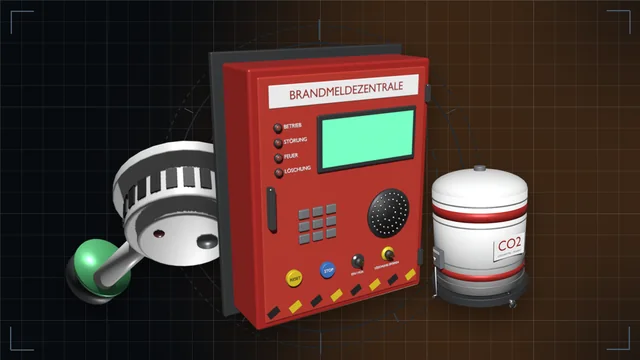
Panel, detectors, sounder, monitored CO2 extinguishers, fire doors and an overview monitor with site plan – and a CO2 system that only floods for a real fire.
We are currently experiencing issues with email delivery; this is being resolved as quickly as possible.
Safety
180 hand-drawn symbols and your own PNG images on wall signs, decals, standing, hanging and flag signs and light signs with a backup battery – also flush in the floor as an escape route light, designed in a gallery.
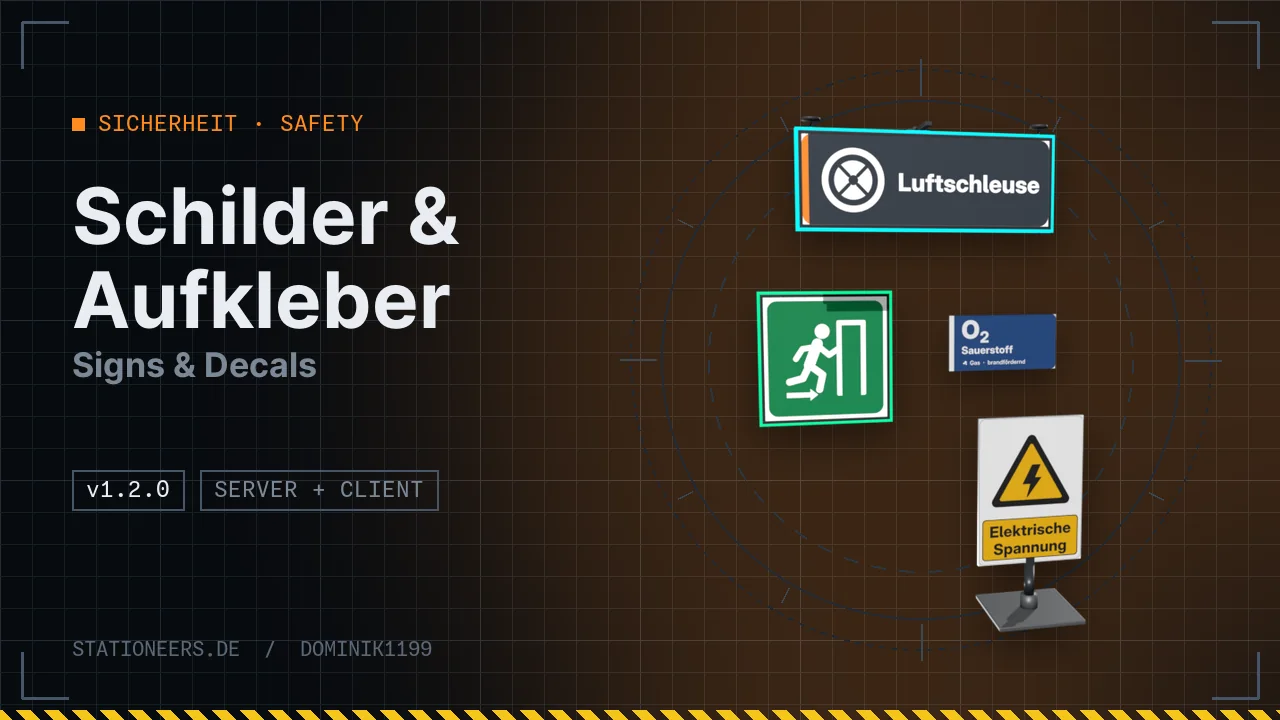
Signs, decals and floor markings for your station. You design them in a gallery: click a sign with an empty hand, pick a symbol, done.
Shapes (one kit, the mouse wheel picks): wall sign, wall sign with data connection, decal for wall, floor and ceiling, standing sign, hanging sign and flag sign. You set the size freely, front and back separately. Signs place themselves in front of the real wall, floor or ceiling surface.
Symbols: 180 custom symbols – gases and liquids in pipe marking colours, warning, prohibition, mandatory, escape and fire safety signs, room names, arrows, numbers, floor stripes and escape route guide strips. Labelled symbols appear in German or English, depending on the game language.
Gallery: search, size, rotate, mirror, colours, your own text and glow. Signs are lit by the lamps and can glow by themselves if you like.
Light signs (since 1.1.0, kit of their own): light boxes for wall and ceiling with a backlit face, real light in the room and a neon frame in any colour, steady, flashing, pulsing or as a chaser. They need 10 to 40 W, a backup battery keeps them glowing dimmed for about 30 minutes on a power cut. Switchable via IC10.
Floor and ceiling (since 1.2.0): wall sign, data sign and wall light sign also go flat on floors and ceilings, each one flush (recessed level with the surface) or surface-mounted. Flush in the floor the sign is walkable, and the light sign becomes an escape route floor light shining upwards with a backup battery. Turn while building in 90° steps with the roll keys or with C + mouse wheel.
Your own images: put PNG files into BepInEx\config\Schilder\Eigene\ and type schilder neuladen. In multiplayer the server sends the images to every player automatically.
The server and all players need the mod.
Full guide: Signs & Decals in the wiki
Wall sign, data sign and wall light sign can now also be built flat on floors and ceilings, each one flush (recessed level with the surface) or surface-mounted – set in the gallery, with schilder mount or via the labeller (;flush). On the floor flush is the default and walkable; a flush light sign becomes an escape route floor light shining upwards with backup battery, its rocker switch lies flat beside it. New symbols 362 to 365: escape route straight on, left, right and a tileable escape route guide strip. Turn while building in 90° steps with the roll keys or with C + mouse wheel. Old saves load unchanged, existing signs stay surface-mounted.
New: light signs with their own kit – wall light sign (0.2 to 2 m) and double-sided hanging light sign for the ceiling. Backlit face, real light in the room, a neon frame in any colour and the modes steady, flashing, pulsing and chaser at 10 to 40 W. A backup battery keeps them glowing dimmed for about 30 minutes on a power cut. IC10, console command schilder light, settings under "4 Leuchtschilder". Old saves load unchanged.
Now runs on dedicated servers: the server has no window classes, so the window code is no longer loaded there. Signs, saving, IC10 and sharing custom images with all players run through the server.
First release: 6 shapes, 176 custom symbols, gallery, your own PNG images with multiplayer distribution, data sign for IC10.
Put PNG files into BepInEx\config\Schilder\Eigene\ and type schilder reload in the console. They then appear in the gallery under "Own images", the file name becomes the name. Recommended are 1024 pixels on the long side, at most 2048 pixels and 1 MB. Transparent parts stay transparent. In multiplayer the server sends used images to every player automatically; until then they see a placeholder. More in the guide.
Yes, the Wall Sign (Data). It has two images, and Mode 0 or 1 picks which one is shown – for example "airlock free" and a vacuum warning. On switches the glow, Setting sets the symbol number, Color the tint and Ratio the glow strength, each for the image shown. The data cable comes from below. schilder list shows the symbol numbers. An example chip is in the guide.
It comes with a full backup battery and switches to emergency mode without grid power: dimmed, with the LED orange. After about 30 minutes the battery is empty. Connect a cable in the cell below the sign, and the battery is full again within 60 minutes. If you don't want the emergency light, switch off "Emergency light" in the gallery. More in the guide.
The light sign's Error is 1 while it is switched on and no grid power arrives. Power is 1 when grid power is present, and Charge divided by Maximum gives the battery level. An example chip for an airlock warning is in the guide.
Since version 1.2.0 you simply build a wall sign or a wall light sign flat on the floor. Newly built it lies flush there, level and walkable. In the gallery pick an escape route symbol: 362 straight on, 363 left, 364 right or 365, the tileable guide strip (mirror it to change the direction). The symbols are read from the bottom edge of the sign; you turn it while building with the roll keys or with C + mouse wheel. As a light sign it becomes an escape route floor light that keeps glowing from its backup battery during a power cut. With the labeller it is quicker: name it @rettung.boden_geradeaus;flush. More in the guide.
Panel, detectors, sounder, monitored CO2 extinguishers, fire doors and an overview monitor with site plan – and a CO2 system that only floods for a real fire.
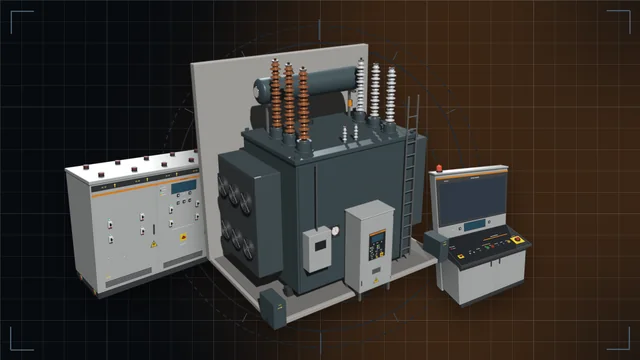
Transformers from 10 kW to 1 GW with losses, temperature and protection, grid stabiliser, switchgear with a live network diagram and distribution boxes with load shedding.
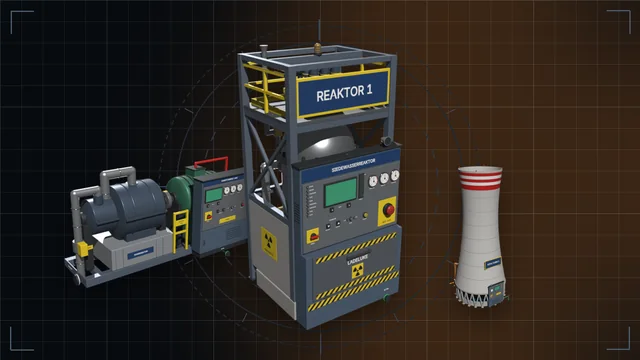
Reactor, steam turbine and cooling tower for about 1 MW of power, plus a large reactor and a 1.5 MW turbine – with radiation, a radiation shield gate, meltdown and nuclear waste.