v1.0.2
Tools
Control Station
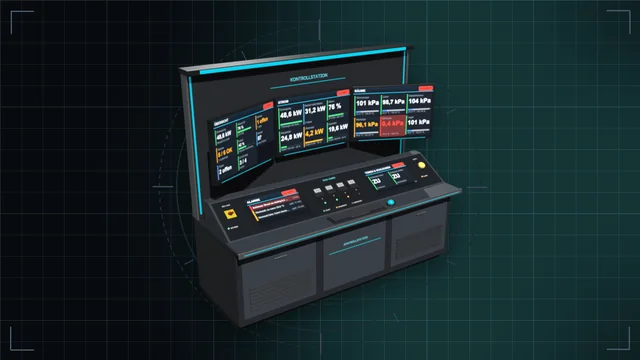
Control desk, monitor wall and terminal: see every value of the base on large screens and control everything – with an IC10 terminal and IC10 chips in the desk.
We are currently experiencing issues with email delivery; this is being resolved as quickly as possible.
Tools
Desks, wall panels and cabinets with a module field – fitted with buttons, switches, dials, displays, gauges, traffic lights and more, every module an IC10 device of its own.
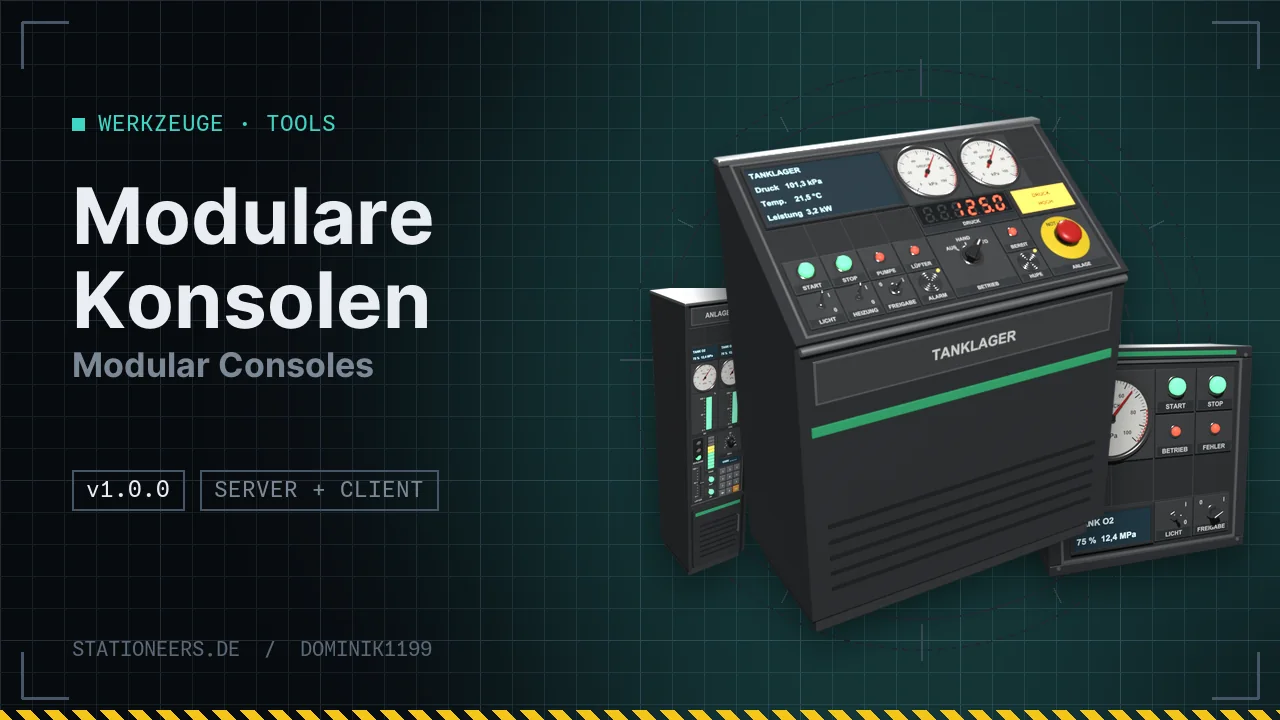
Build your own control panels. Housings with a module field on a 10 cm grid, fitted with 20 modules – each one a logic device of its own for IC10.
Housings
Modules: illuminated button, toggle switch, rotary switch, key switch, emergency stop, slider, dial, keypad, LED, LED bar, indicator light, small and large text display, 7-segment display, gauge, bar graph, traffic light, buzzer and labels.
How it works: take a module kit in your hand, aim at the field and click – the module snaps in and gets power and data from the housing. With the screwdriver you set labels, colours, scales and display lines. Modules can also be placed freely on walls, frames, floors or ceilings.
All labels and device names appear in German or English, depending on the game language. The server and all players need the mod.
Full guide: Modular Consoles in the wiki
Now runs on dedicated servers: the server has no window classes, so the window code is no longer loaded there. Controls, tick, mounting and all konsole commands run on the server.
Desks and cabinet are lower, sized for the character's eye level (about 1 m): desk surface at 0.55 m at the front, cabinet field from 0.34 to 1.54 m. Modules from older saves are kept and move along.
First release: 12 housings with a module field, 20 modules as IC10 devices, mounting with the kit, settings window and console commands.
Build the housing and connect a cable with power and data. Then hold a module kit (controls or displays), pick the module with the mouse wheel and aim at the module field: the slot under the crosshair is outlined green, a click places the module. It takes power and data from the housing. Settings are made with the screwdriver, taking down works with the hand drill. konsole target shows which slot is free. More in the guide.
Every module is a logic device of its own on the housing's data network. Name it in the settings window (screwdriver) or with the labeller, for example "Pumpe", and address it with lbn/sbn, the prefab hash and HASH("Pumpe"). A toggle switch reports its position in Setting, an LED lights up with Setting 1. The hashes of all modules and an example chip with an emergency stop are in the guide.
Control desk, monitor wall and terminal: see every value of the base on large screens and control everything – with an IC10 terminal and IC10 chips in the desk.
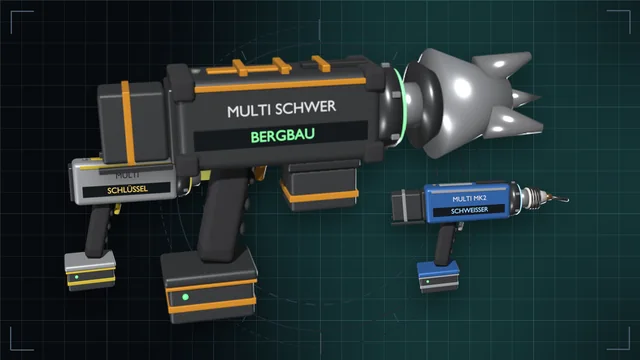
One grip, nine game tools – from wrench to mining drill, in three tiers with batteries and a lamp attachment.
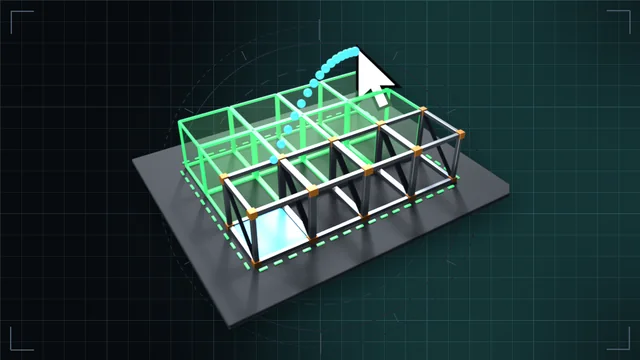
Hold left click and drag: frames, walls, floors, cables and pipes as a line, area, outline, box or whole room – with a preview and the rules of a single build.