v1.0.2
Tools
Modular Consoles
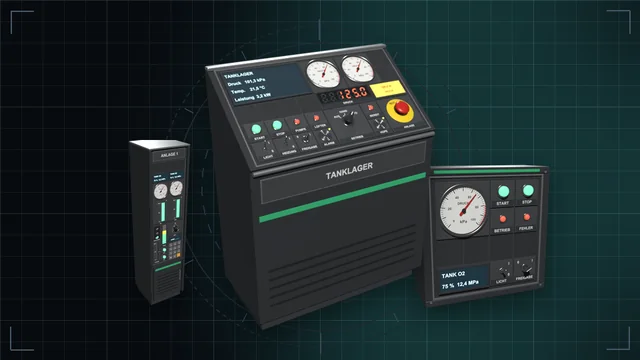
Desks, wall panels and cabinets with a module field – fitted with buttons, switches, dials, displays, gauges, traffic lights and more, every module an IC10 device of its own.
We are currently experiencing issues with email delivery; this is being resolved as quickly as possible.
Tools
Control desk, monitor wall and terminal: see every value of the base on large screens and control everything – with an IC10 terminal and IC10 chips in the desk.
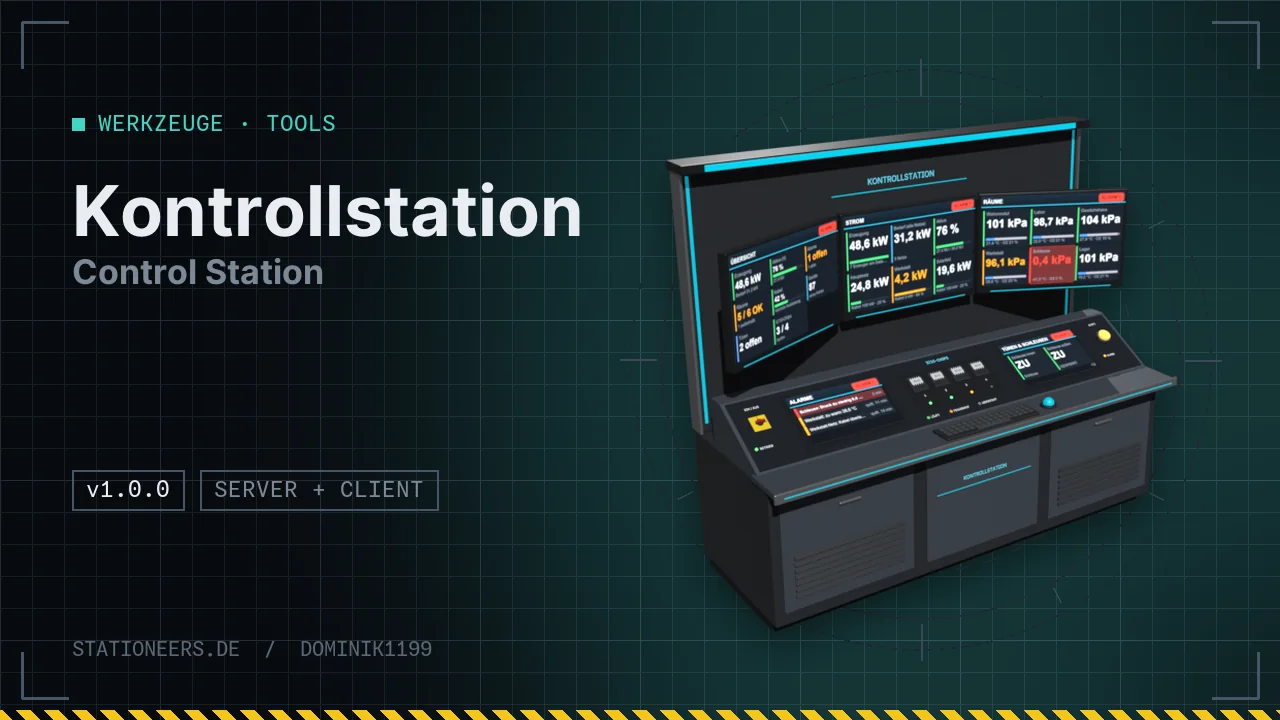
A control room for the whole base. The Control Station finds every device in the data network by itself – also behind the data bridge of the Power Regulator and the Substation – and shows them on large screens.
Devices
Screens: overview, power, rooms, tanks, doors, alarms, history, favourites and custom tiles – large tiles with colour status, readable while standing.
Terminal: a click on a screen opens a large window. There you can read every value and set every writable one, plus groups, scenes, alarm rules with sound, history curves and permissions for other players.
IC10: editor with checker, command help and simulator. Inserted IC10 chips run on the game's original interpreter, and you pick their devices d0–d5 from every device of the installation – without cables.
All labels, screens and device names appear in German or English, depending on the game language. The server and all players need the mod.
Full guide: Control Station in the wiki
Now runs on dedicated servers: the server has no window classes, so the window code is no longer loaded there. Tick, alarms, control, IC10 chips, screen clicks and all ks commands run on the server.
Control desk and terminal stand are lower, sized for the character's eye level (about 1 m): desk top at 0.55 m, large screens centred at 1.14 m, total height 1.64 m instead of 2.2 m. The English Stationpedia now calls the Leistungsregler Power Regulator.
First release: control desk, wall monitors and terminal with device discovery, screen pages, control, groups, scenes, alarms, history, IC10 terminal and IC10 chips.
Insert an Integrated Circuit (IC10) from the electronics printer into one of the slots "IC10 chip 1–4". Then click a screen, open the IC10 tab in the terminal, write the code and click "Write to chip". Under "Pins d0–d5" you pick any devices of the system, without any cables. Then "Start". The LED at the slot is green while the chip runs, orange on an error. db is the control desk itself; with get db 512 to 530 the chip reads alarms, power and batteries. More in the guide.
The station only sees devices on its own data network. If a device sits behind a transformer, a Power Regulator or a device of the Substation, switch on the data bridge there (DATA button). Also check that the station has power and is switched on. A system reads at most 800 devices, adjustable with MaxGeraete. ks devices in the console lists what the station sees.
Desks, wall panels and cabinets with a module field – fitted with buttons, switches, dials, displays, gauges, traffic lights and more, every module an IC10 device of its own.
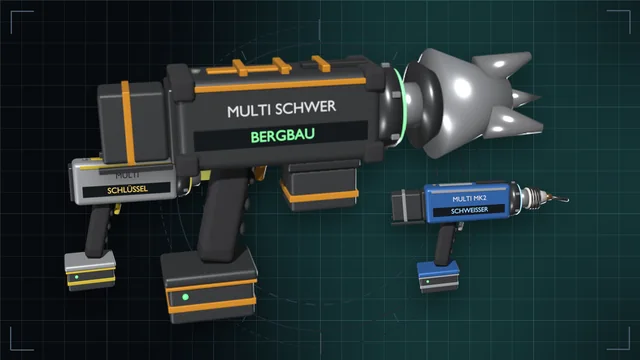
One grip, nine game tools – from wrench to mining drill, in three tiers with batteries and a lamp attachment.
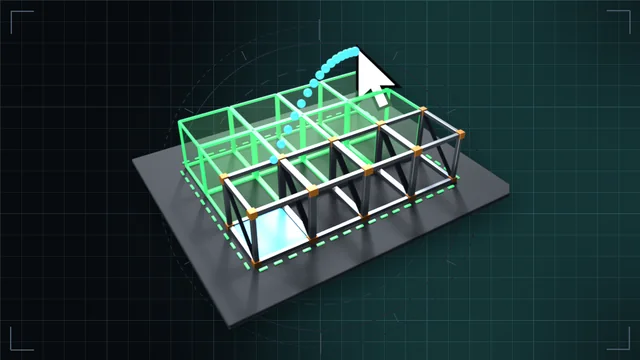
Hold left click and drag: frames, walls, floors, cables and pipes as a line, area, outline, box or whole room – with a preview and the rules of a single build.