v1.0.2
Tools
Control Station
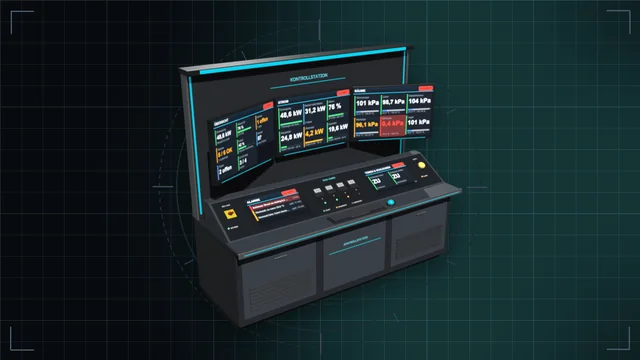
Control desk, monitor wall and terminal: see every value of the base on large screens and control everything – with an IC10 terminal and IC10 chips in the desk.
We are currently experiencing issues with email delivery; this is being resolved as quickly as possible.
Tools
One grip, nine game tools – from wrench to mining drill, in three tiers with batteries and a lamp attachment.
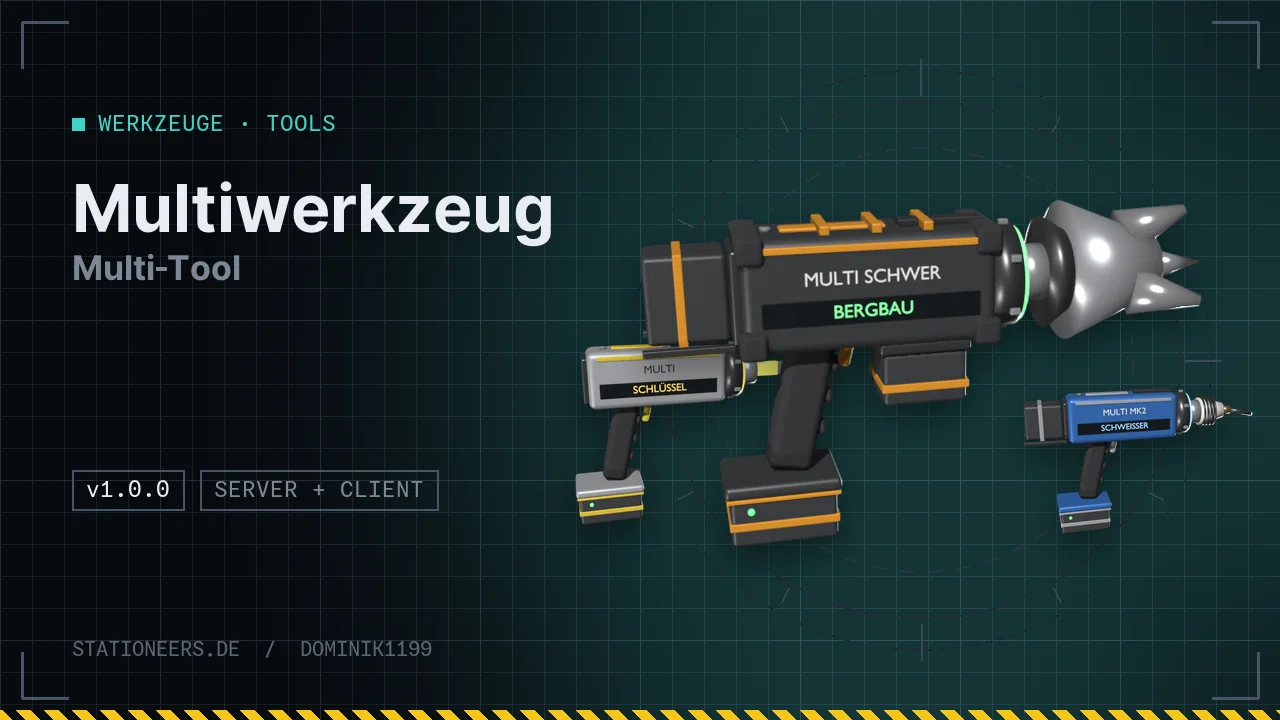
One grip, nine game tools: wrench, screwdriver, crowbar, wire cutters, hand drill, angle grinder, arc welder, mining drill and labeller. In each mode the Multi-Tool is the real game tool and works wherever the game asks for that tool.
Controls: hold C and turn the mouse wheel to switch tool, C + right click switches the lamp off, near or far. C is the game's quantity key and can be rebound. The game shows the key hint above your hand, in the tooltip and in the Stationpedia, and the inventory window has buttons as well.
Three tiers
Power always comes from the fullest battery, the lamp attachment shines like the flashlight. Everything is made in the Tool Manufactory and costs as much as the single tools. Custom models with a changing head, coloured glow ring and name plate. Texts and labels appear in German or English, depending on the game language. The server and all players need the mod.
Full guide: Multi-Tool in the wiki
First release: Multi-Tool Standard, MK2 and Heavy with nine tools, batteries and a lamp attachment.
Hold C and turn the mouse wheel to switch tool (wheel up = next), C + right click switches the lamp attachment off, near, far. C is the game's quantity key; if you rebound it, your key applies. There are also buttons in the tool's inventory window (click the hand). In game the key hint is shown above your hand while the Multi-Tool is in the active hand. More in the guide.
Yes. In each mode it technically is the matching game tool, for example a crowbar or a labeller. So prying doors, configuring logic devices, renaming, deconstructing and mining work as usual. Build steps that ask for a specific tool item recognise it like the game's MK II tools. If a device says "requires hand drill", hold C and turn the mouse wheel to the drill. More in the guide.
Check the LED at the top rear: red means all batteries are empty. Mining drill and labeller also need to be switched on (right click). After switching to these tools the Multi-Tool turns them on by itself. Wrench, screwdriver, crowbar and wire cutters need no power; the power tools and the lamp always draw from the fullest battery. multi status shows the charge of the tool in your hand.
Control desk, monitor wall and terminal: see every value of the base on large screens and control everything – with an IC10 terminal and IC10 chips in the desk.
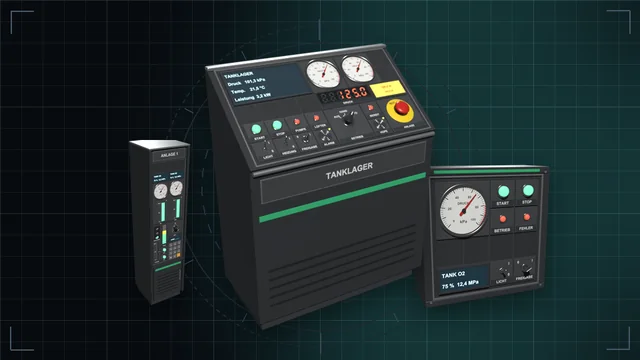
Desks, wall panels and cabinets with a module field – fitted with buttons, switches, dials, displays, gauges, traffic lights and more, every module an IC10 device of its own.
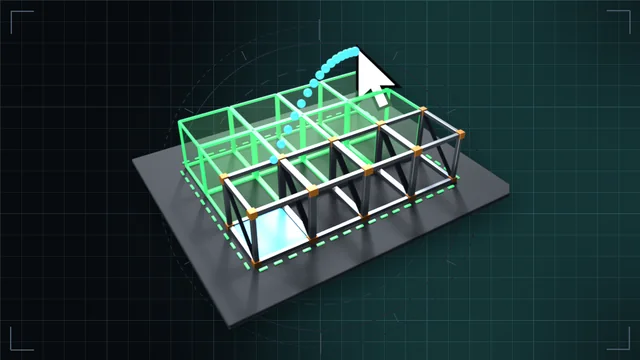
Hold left click and drag: frames, walls, floors, cables and pipes as a line, area, outline, box or whole room – with a preview and the rules of a single build.