v1.0.2
Tools
Control Station
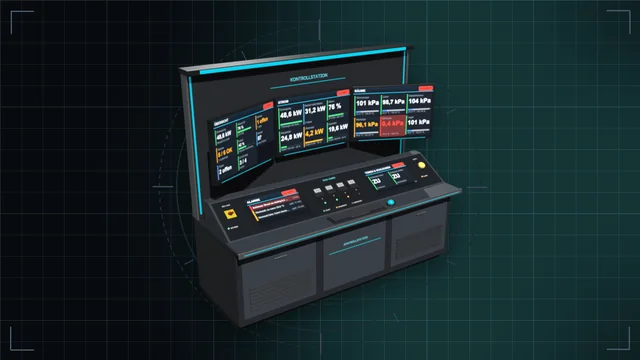
Control desk, monitor wall and terminal: see every value of the base on large screens and control everything – with an IC10 terminal and IC10 chips in the desk.
We are currently experiencing issues with email delivery; this is being resolved as quickly as possible.
Tools
Map, minimap, live player positions and markers, private or shared.
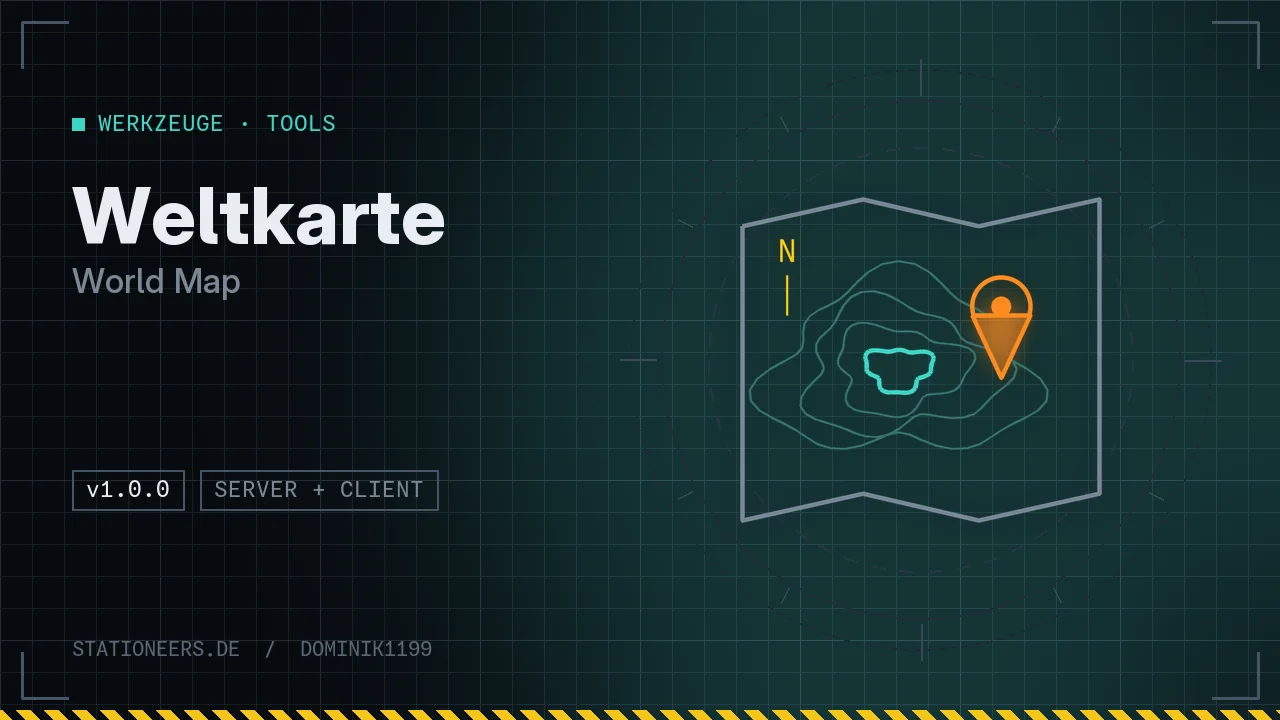
A map for Stationeers at last: a big world map on Ctrl+M, a minimap in the HUD, every player live and markers you set just for yourself or for everyone. Works on every planet with a map image: Mars, Venus, Vulcan, Europa, Moon and Mimas, plus modded planets that ship their own map image.
The big map
Markers
Minimap: off by default, Ctrl+Shift+M shows it. Corner, size and range are configurable.
Multiplayer: shared markers need the mod on the host. Players without the mod can still join.
Full guide: World Map in the wiki
Now loads without errors on dedicated servers. The server manages and saves the shared markers, the map itself exists only on the clients.
First release: big map (Ctrl+M), minimap (Ctrl+Shift+M), players, rovers, landing pads, private or shared markers, navigation target in the HUD.
It is off by default because the game shows its messages in the top right corner. Ctrl+Shift+M shows it. Corner, size and range can be changed in the settings.
Either "Visible to all players" is not ticked for that marker, or the host does not run the World Map. The server manages shared markers; without the mod on the host there are only private markers.
Control desk, monitor wall and terminal: see every value of the base on large screens and control everything – with an IC10 terminal and IC10 chips in the desk.
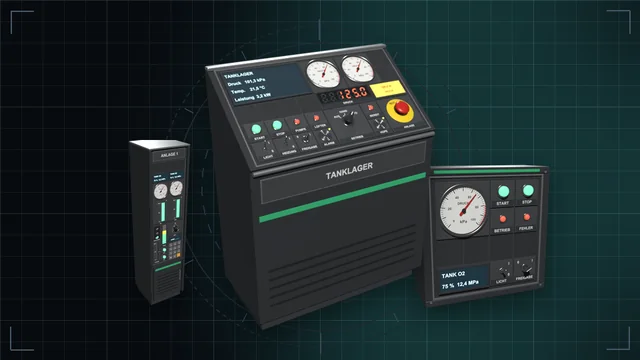
Desks, wall panels and cabinets with a module field – fitted with buttons, switches, dials, displays, gauges, traffic lights and more, every module an IC10 device of its own.
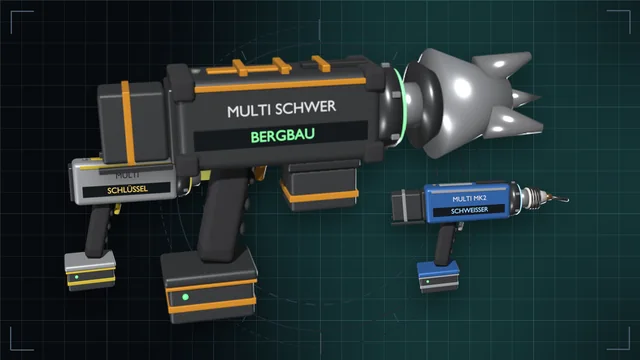
One grip, nine game tools – from wrench to mining drill, in three tiers with batteries and a lamp attachment.