Roleplay & Permissions 1.1.2: buy a plot right at the marker
Players at a plot marker often could not find the buy button or could not see why it did not work. 1.1.2 shows the purchase at the top and always says what is in the way.
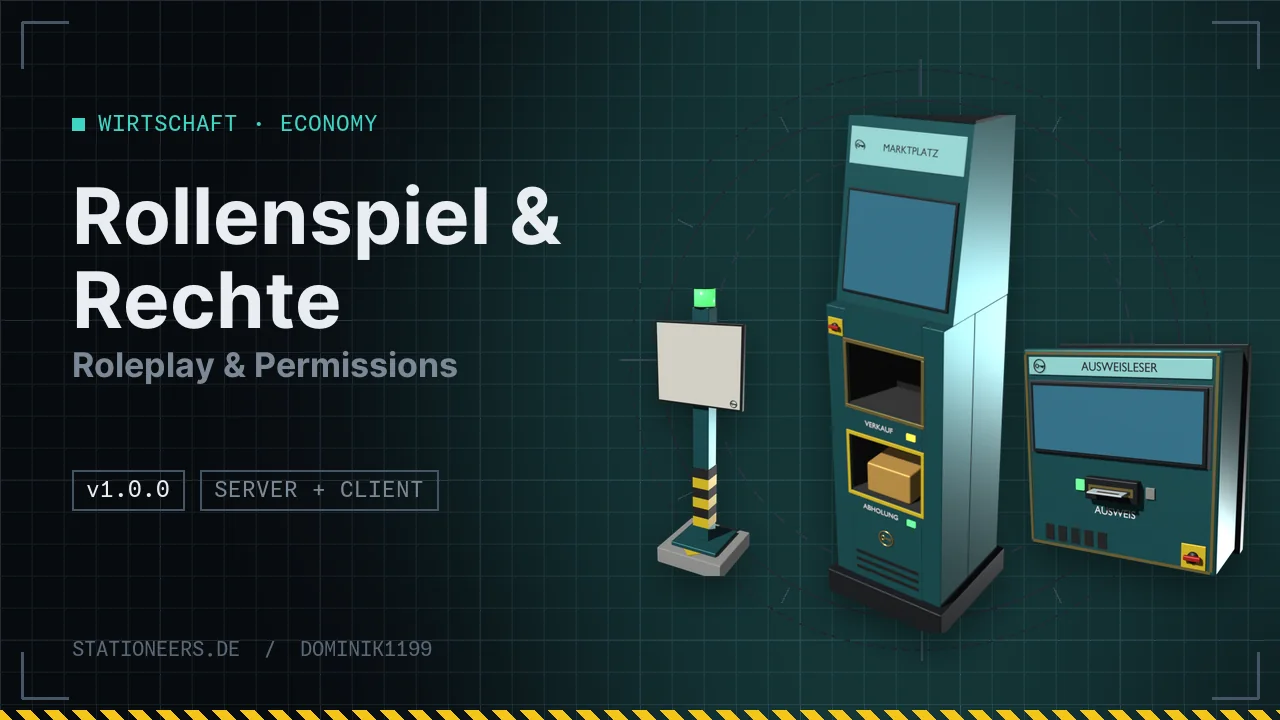
During testing it turned out that apparently nothing could be bought at a plot marker. The purchase area was there, but in the Plots tab it sat below the expanded help and several hints. Most of the time it was outside the visible column. If a purchase failed, for example for lack of money, the reason only appeared briefly at the top of the window.
From 1.1.2 a click on the sign opens the Plots tab with the purchase at the very top: short instructions, sliders for the size, size in metres and parcels, price and balance, and below that the green button ("Create starter plot for free" or "Buy for …"). The server checks the chosen size in advance, with the same rules as the purchase itself. If it does not work, the reason and what to do appear right below the button, for example: too far from the marker, too large, overlaps another plot, foreign parts in the area, plot limit reached, no bank account, not enough money, no Banking System. If the game master's test mode is on, it says that you are currently buying like a normal player. The answer to a purchase also appears right at the button. The in-game guide now explains the purchase the same way.
The server and all players need version 1.1.2. More in the guide.